An online marketplace for your college community
CampusX is a mobile-based marketplace (iOS). Students, faculty, staff, and alumni can sign up to buy, sell, and trade items ranging from clothing and home decor to electronics and used textbooks with an .edu email account. Any college campus can participate in CampusX. Our platform is a secure and safe mediator for peer-to-peer (P2P) transactions. We wanted to create a safe platform to buy and sell items in comparison to other marketplace applications. Team CampusX created CampusX for our Capstone project at the University of Georgia.
Our features are:
Personalized profiles
iMessage accessible
Apple Mail
Profile search
Item search
Photo upload capable
Safe Zones map
Team Breakdown
- Crysta Jones: Designer
- Designed logo and prototype
- Created color scheme
- Designed and coded website
- Edited trailer
- Rohit Rammohan: Engineer
- Andy Johnston: Copywriter
The Origin
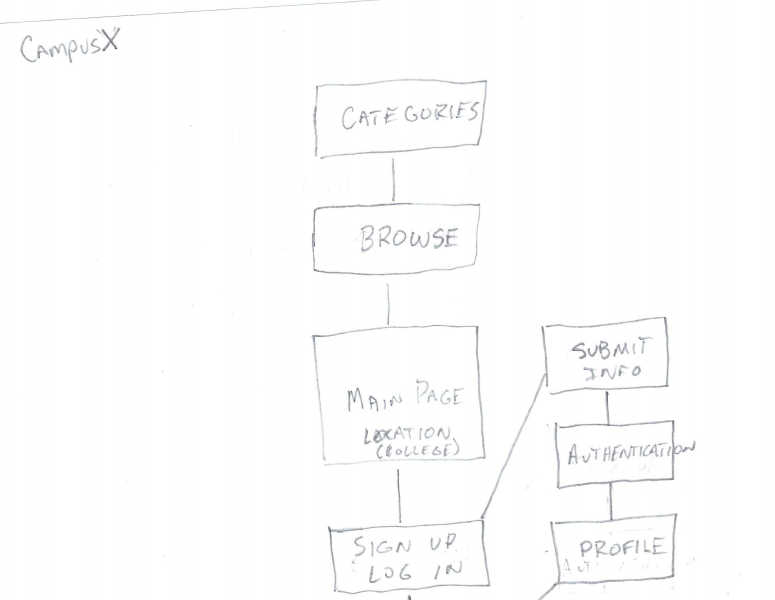
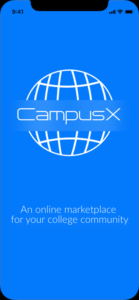
My group members and I created a fully functional mobile application for our Capstone Project. CampusX began as UGA Marketplace. However, my group members and I did not think that we would be able to obtain University of Georgia’s permission for branding. Next, we sent out an interest survey to 10 members of the UGA community. Over 90% expressed interest in an app strictly for college communities. However, we also worried about the scope of the project. We decided to branch out to any college community — not just UGA. We changed the title to CampusX. The X is an unknown variable, it can stand for any college community. We also developed a site map, wireframe, color scheme, logo, and prototype.
User Testing + Final Iteration
We created a User Testing Plan — which included personas, audience analysis tables, task tables, and consent forms, scripts, and pre and post test surveys (Google Forms). We then conducted user testing with 10 participants. The participants included undergraduate students, professors, and graduate students at the University of Georgia. After user testing, we made changes to the app. We created a 1-4 page visual User Testing Report of our results. After the report, we did the third iteration of the app. We then created the website created the second iteration of our style guide, and created a poster.
“Make it work, then make it work better.”
New Media Institute catchphrase
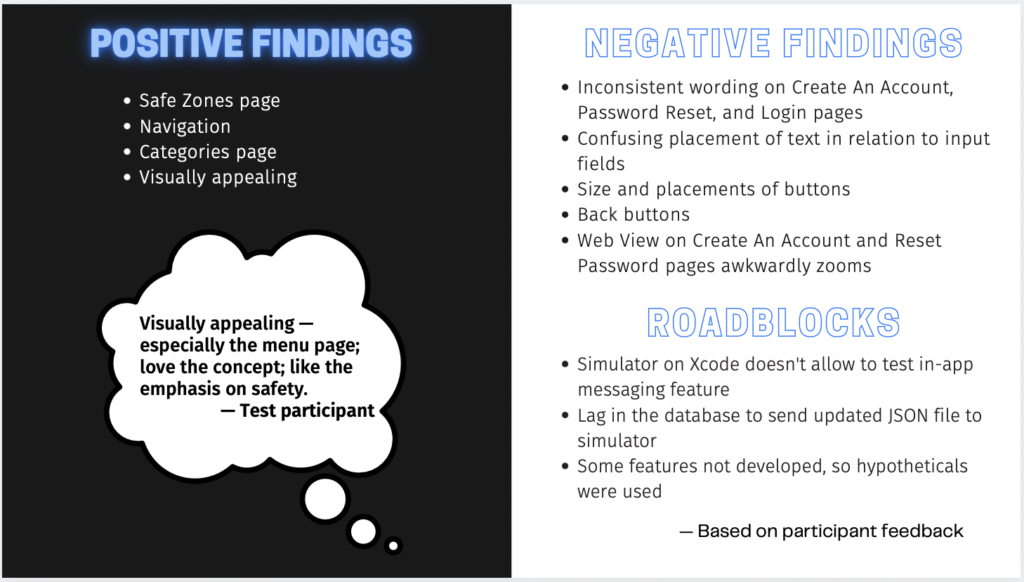
The most common feedback from user testing included inconsistent wording on our Sign-In, Create An Account, and Password pages. We also had small navigation issues from complications of the “Back” button. We considered all of the user feedback before making changes to our app.